 OromMac

Hold a key. Talk. Let go.
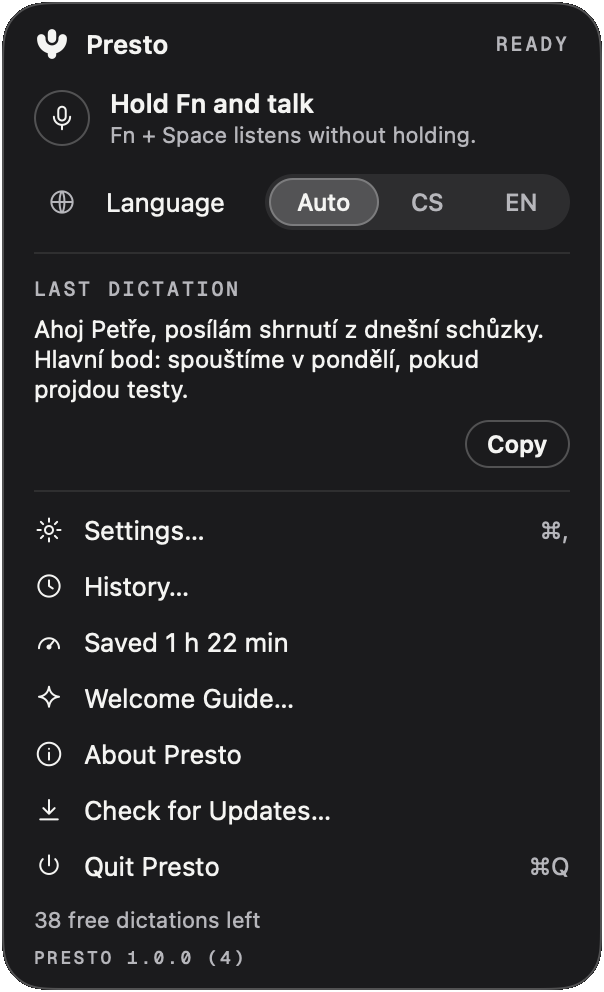
Presto types what you say into any app. Hold Fn, speak English or Czech, let go, and the text is pasted where your cursor is.


What it's for
When saying it is faster than typing it.
- A long message, an email reply or a prompt for an AI takes minutes to type.Hold Fn and say it. The text lands in the field you're typing in, in any app.
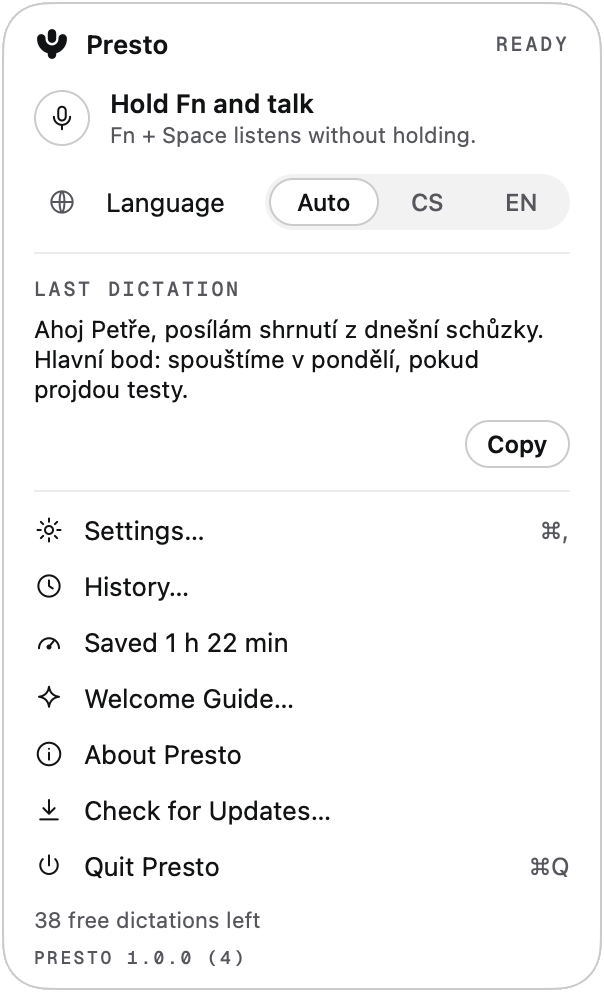
- You switch between English and Czech, and dictation gets one of them wrong.Presto works out which one you're speaking each time. Or pick the language in the menu bar.
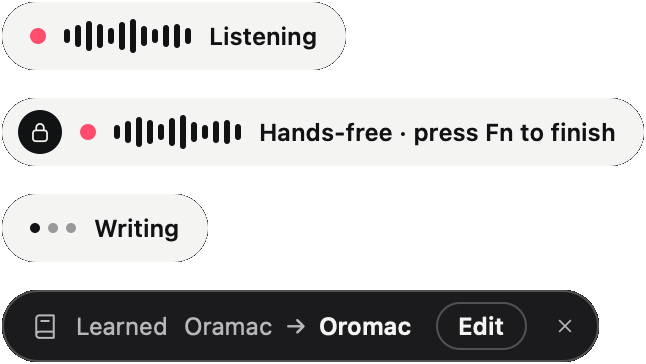
- Names and terms come out misspelled every single time.Fix a word after it’s pasted and Presto learns it. A small note shows what it learned.
How it works
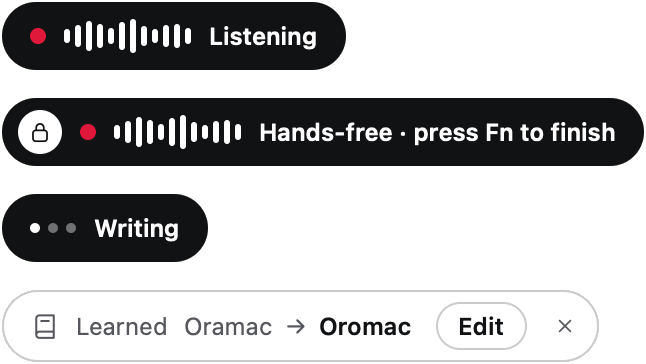
A key to hold, and a small pill at the bottom of the screen while it listens.
- Hold FnTalk while you hold it. Let go and the text is pasted, usually in under a second.
- Fn + SpaceHands-free, for longer dictation. Press Fn to finish, or Esc to throw it away.
- On your MacSpeech is turned into text on the Mac by Whisper large-v3 turbo, an open speech model. It works offline once the model is downloaded.
- Say “new line”Or “nový řádek”. “New paragraph” and “nový odstavec” work too.
Inspired by
The app that had the idea first deserves the credit.
Wispr Flow ↗
by Wispr
Hold a key, talk, and the text appears. Wispr Flow made dictation feel that quick. Presto is my own take, written from scratch: it runs on the Mac, and Czech matters as much as English.
Questions
Anything else? Email me.
What does it cost?
Your first 50 dictations are free, with no account and no card. After that, €19 once for one Mac, or €49 for five. Your copy keeps working for good, and a year of updates is included. Your settings, dictionary and history are kept either way.
What happens after 50 dictations?
Presto stops typing and asks for a license key. Buy one below, and the key arrives by email with a link that fills it in for you.
Where does my voice go?
Nowhere. The speech model runs on your Mac, and the audio is thrown away once it's text, unless you switch on “Keep recordings” in Settings. Presto goes online to download the model once and to check for updates.
Which Macs does it run on?
Macs with Apple silicon (M1 or later) on macOS 14 or later. The first launch downloads the speech model, about 570 MB. While it's loaded it takes about 0.9 GB of memory, and it lets go of that after 5 minutes without a dictation.
Which languages?
English and Czech. On Auto it picks one for each dictation. A very short Czech phrase can still come out as English: set the language to Čeština in the menu bar if that keeps happening.
Tapping Fn opens the emoji picker.
In System Settings › Keyboard, set “Press 🌐 key to” to “Do Nothing”. Or pick Right ⌥ or Right ⌘ as the dictation key in Presto's Settings.
Does it need any permissions?
Two. Microphone, to hear you. Accessibility, to see the key and paste the text. The welcome guide walks you through both.
Can I do this without an app?
Yes. Your Mac has dictation built in: press the microphone key or Fn twice. See how to use dictation on Mac. Presto adds hold-to-talk, Czech and English in one setting, and words it learns from you.
Get Presto
Try it on your next 50 dictations. Drag it to Applications, then click the mic in your menu bar.
Buy Presto
If it earns a place on your Mac, buy it once and keep it.
1 Mac
- Unlimited dictation
- Keeps working for good
- 1 year of updates included
- Upgrade to 5 Macs later for €30
5 Macs
- Your laptop, desktop and work Mac
- Move Macs anytime from Settings
- Keeps working for good
- 1 year of updates included
Prices include VAT where it applies · Refunds within 14 days, no questions