 OromMac
 Blog
Blog · Update ·
Presto now asks which languages you speak
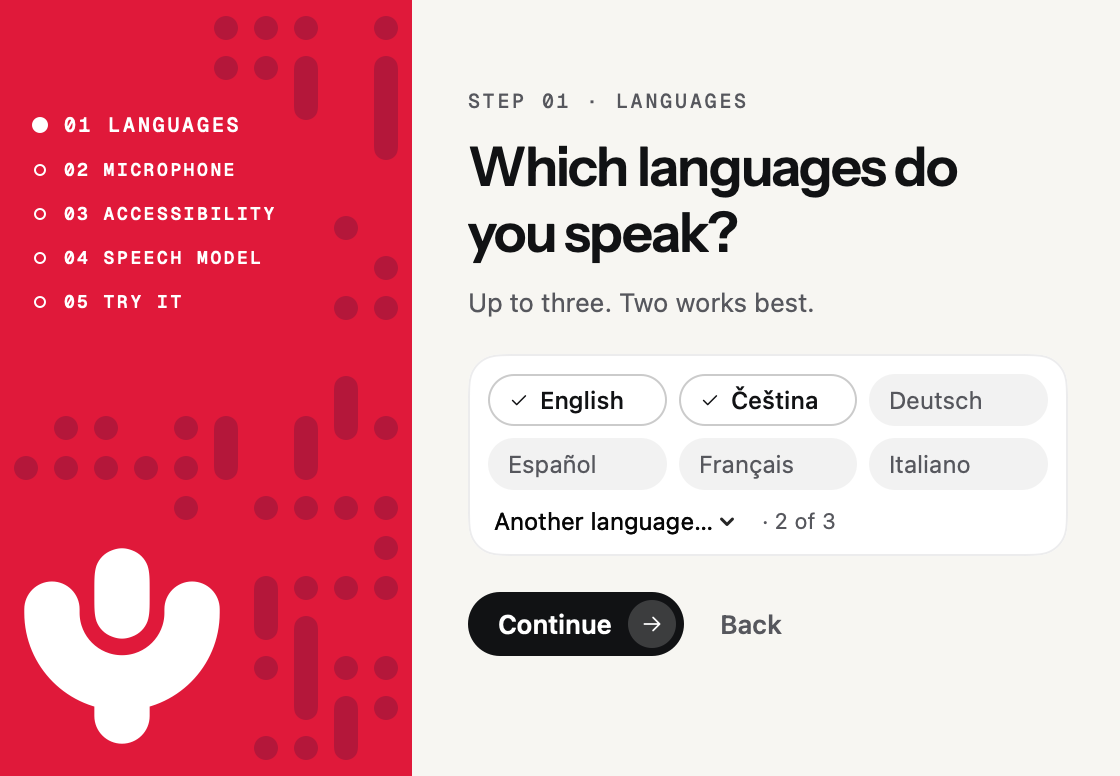
Presto writes 99 languages, but you speak two or three. Presto 1.3 asks which ones, then listens only for those, so a short sentence is not mistaken for a language you never speak.
Pick your languages
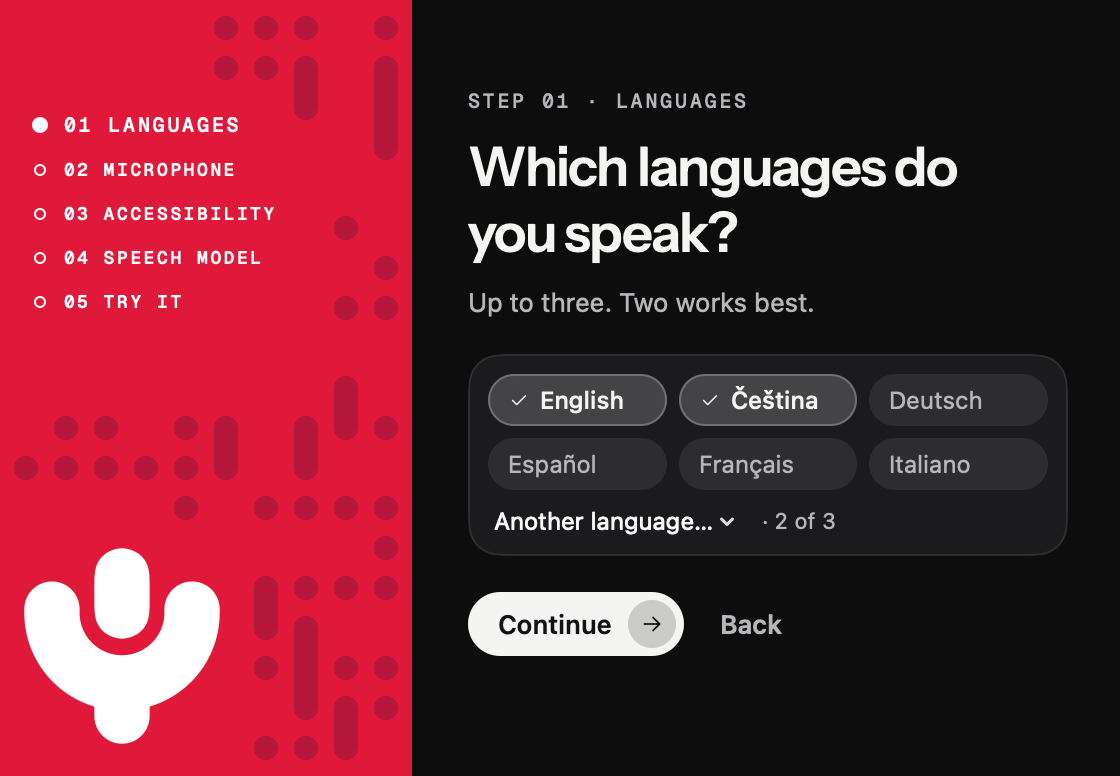
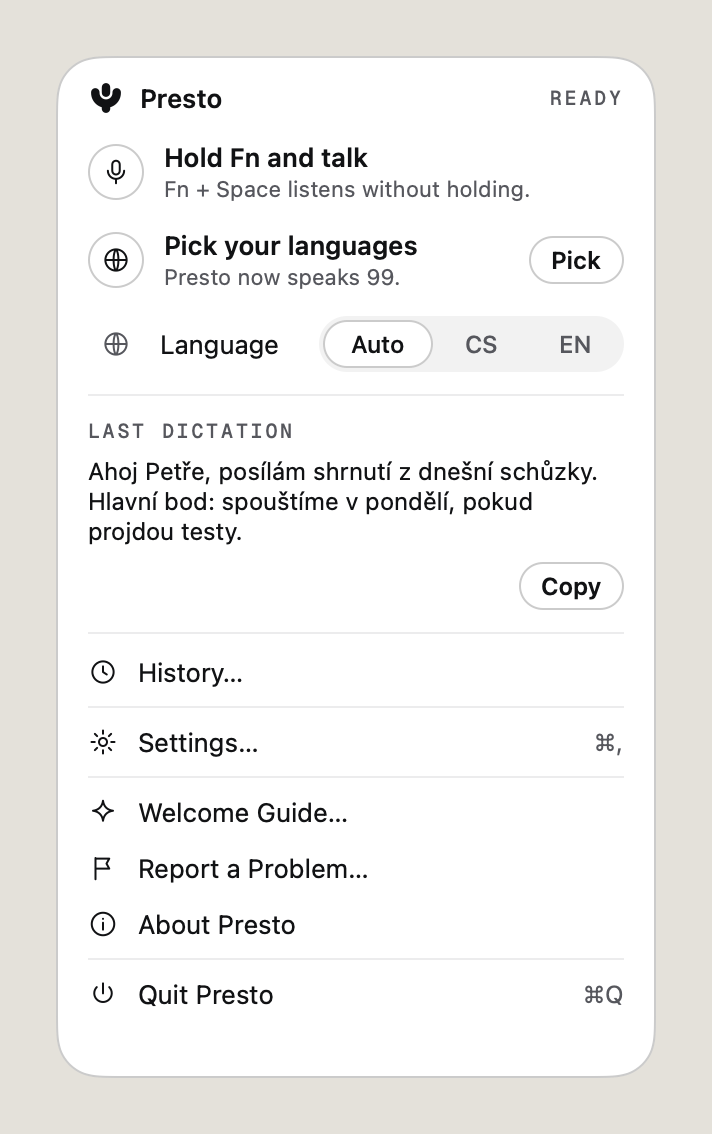
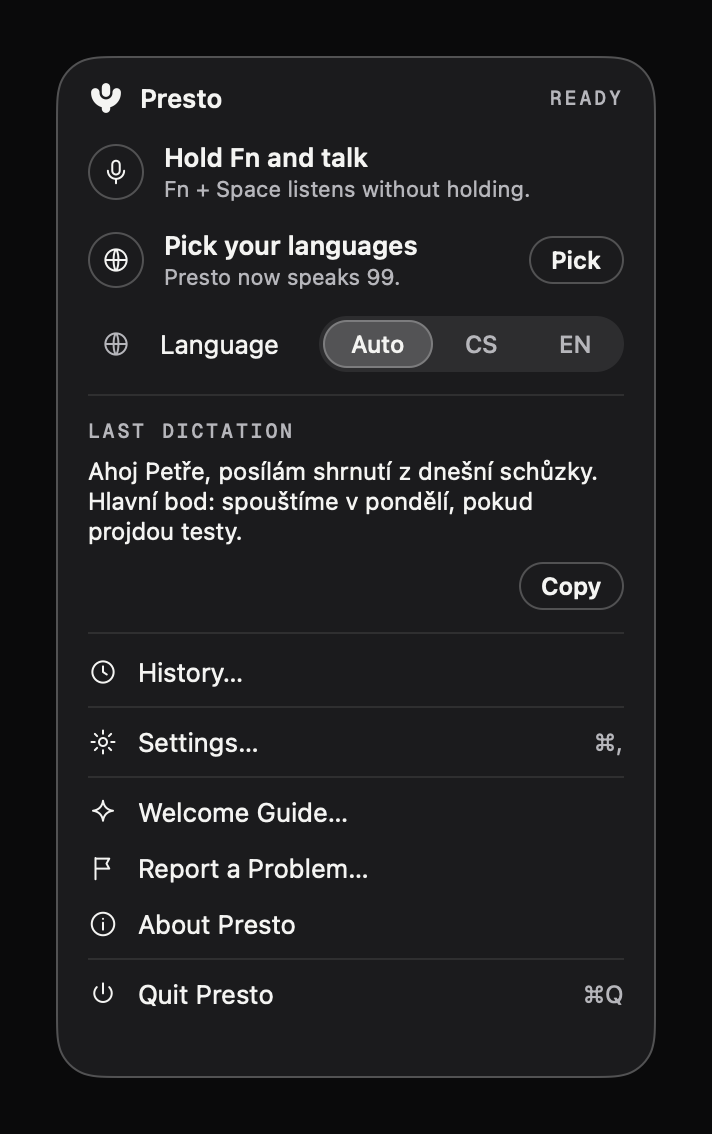
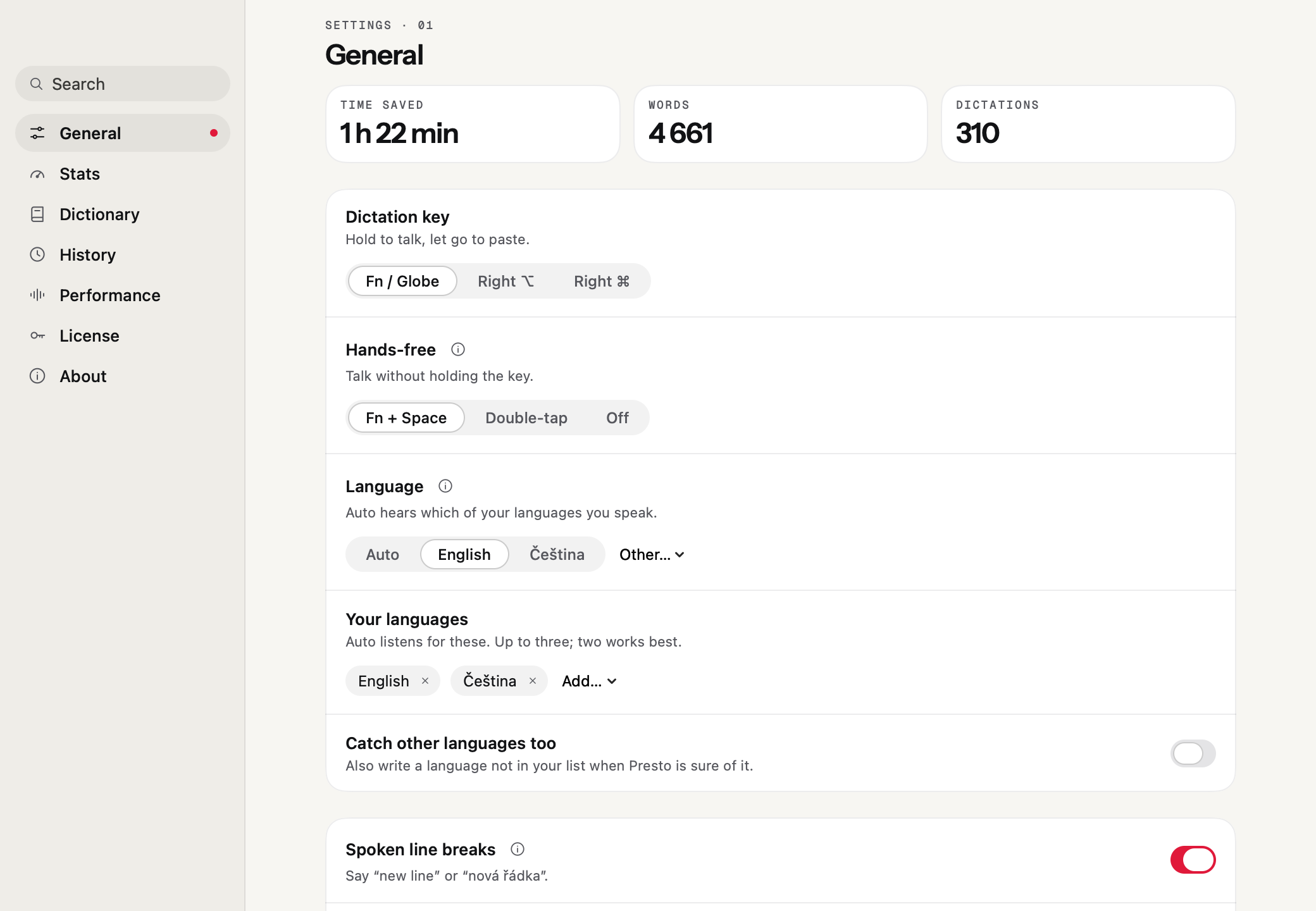
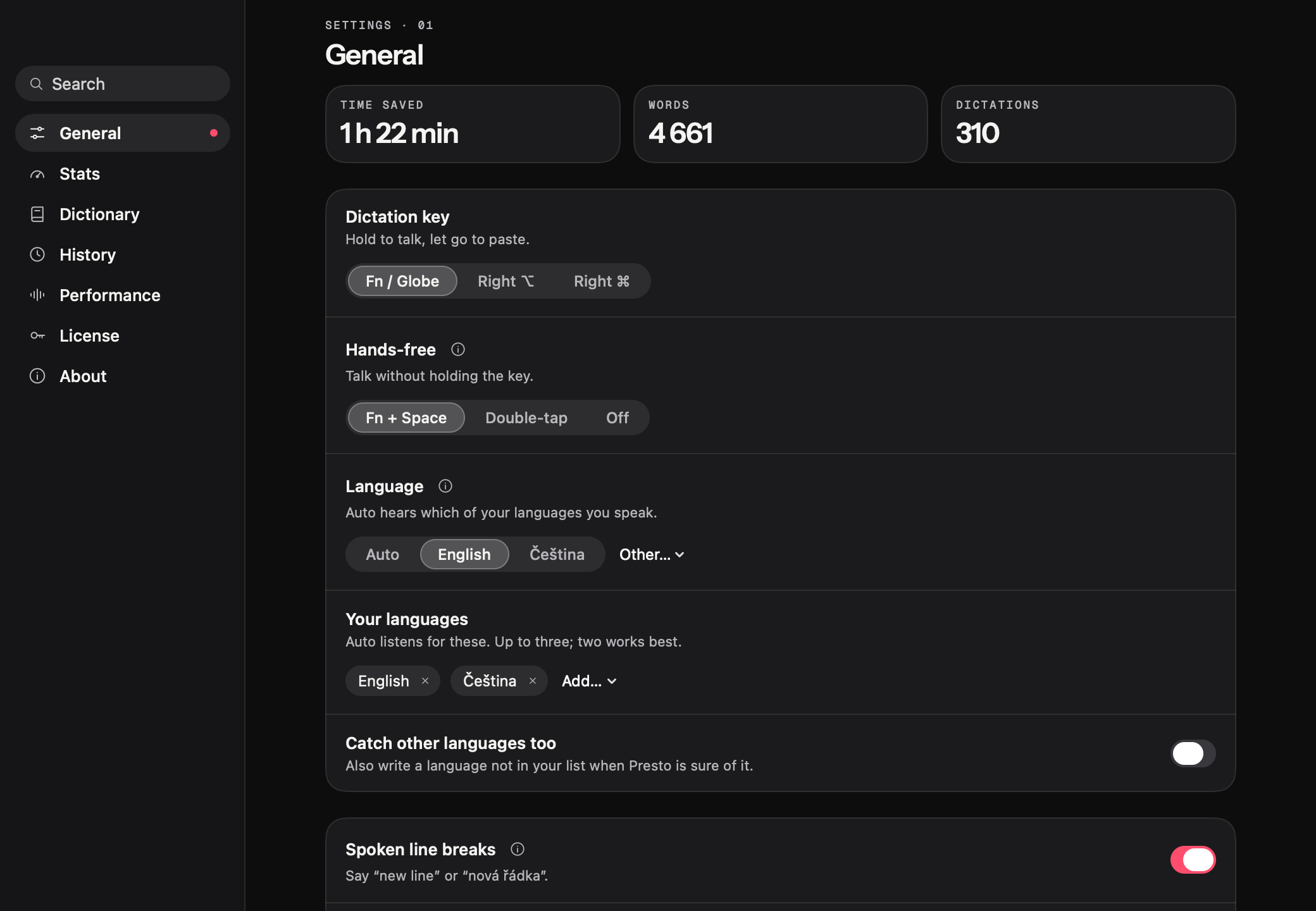
New installs get a Which languages do you speak? step in the welcome guide. If you already use Presto, a one-time Pick your languages note shows up in the menu bar panel. Up to three; two works best.
Auto then hears which of your languages you speak, and long dictations can switch between them.
Catch other languages too
If you sometimes dictate in a language that isn't on your list, turn on Catch other languages too in Settings ▸ General. Presto then also writes that language when it is sure of it.
A bigger Settings window
Settings now opens at 1040 × 720 and you can drag it to any size. Pages keep a readable width, Stats spreads into three columns when there is room, and History runs the length of the window.
Get it
Presto updates itself; choose Check for Updates… in the menu bar panel to get 1.3 now. New here? Download Presto and try 50 dictations free. Every change is in the changelog.
 Ondřej RomancovEngineer in Prague · X · LinkedIn · GitHub