 OromMac
 Blog
Blog · Update ·
Cruise Control can now turn the screen black
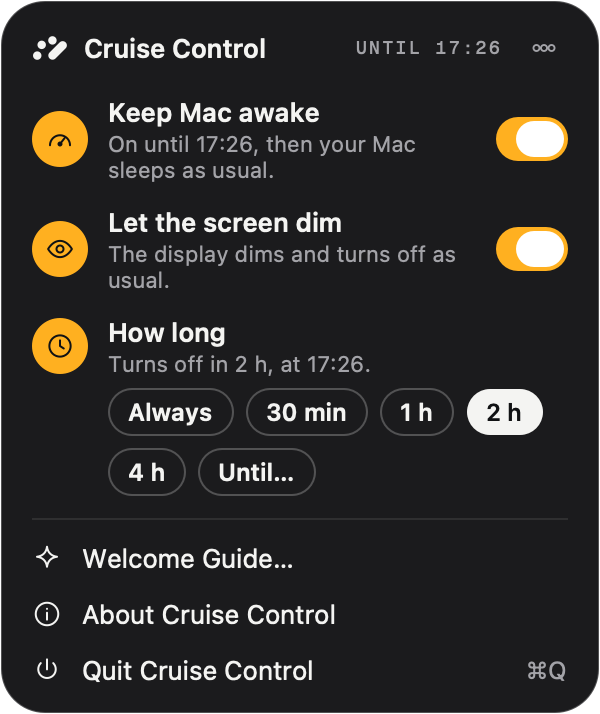
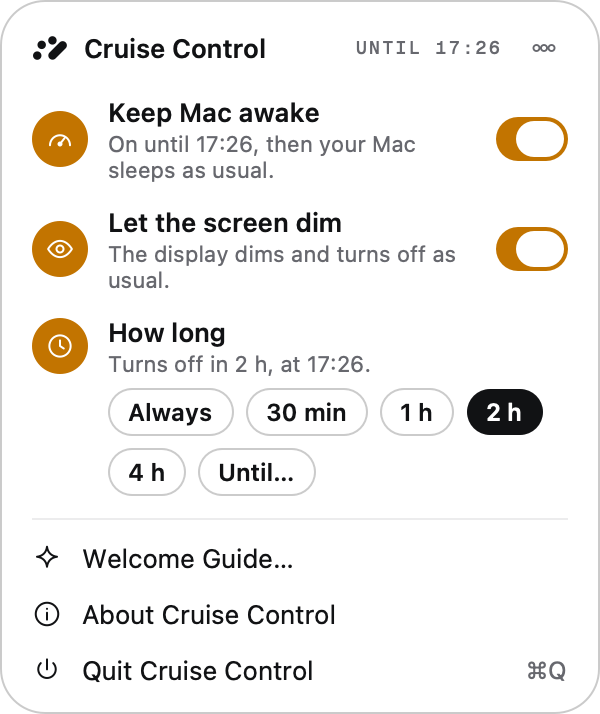
Your Mac keeps working, the screen takes a break. Turn on Black screen when idle in Cruise Control, and after 5 minutes without input the screen goes dark. Move the mouse or press a key to come back.

Why
Keeping a Mac awake for a long download, a build or an agent run used to mean a bright screen for hours. Now it saves battery and doesn't light up the room, and nothing locks, so the work keeps going and you come back to exactly where you left it.
Also in 1.3.1
- While Cruise Control is on, the screen saver and the automatic lock don't start.
- On battery, Cruise Control turns itself off at 5%, and your Mac goes back to its normal sleep.
- Even with that cutoff turned off, the Mac sleeps at 3%, so it never runs flat.
- New About Battery and Sleep… under the … button.
Get it
Cruise Control is free and updates itself. Download Cruise Control. Every change is in the changelog.
 Ondřej RomancovEngineer in Prague · X · LinkedIn · GitHub